
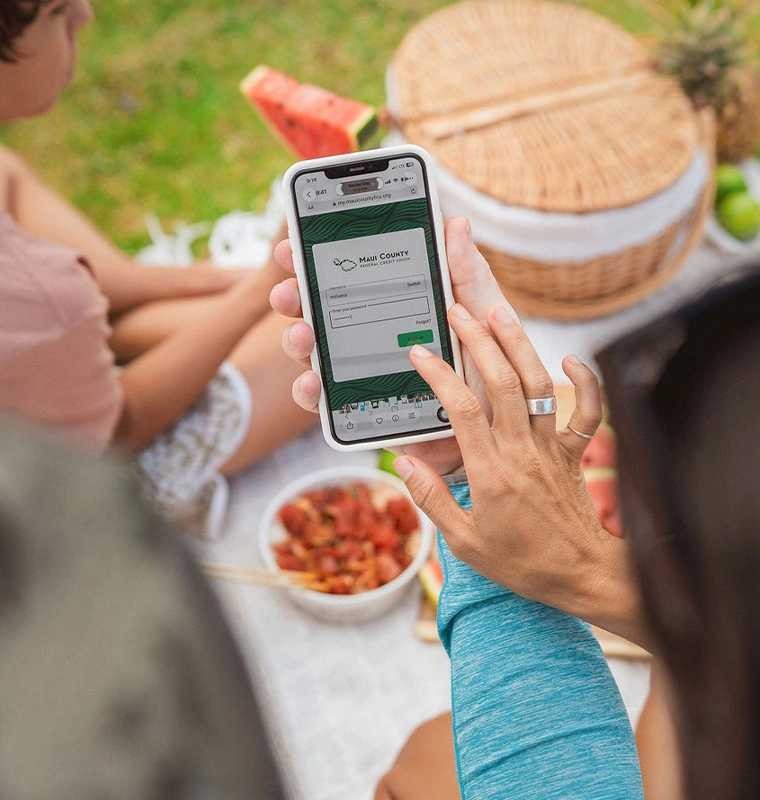

Good news: you don't have to be a tech expert to keep cybercriminals out of your life. A few easy habits can make their jobs a lot harder, and you can get back to scrolling, shopping, and clicking with confidence.
This Cybersecurity Awareness Month, we're sharing five simple habits. Along the way, we'll look at four tricks cybercriminals count on. They're hoping you'll take shortcuts. Let's not give them the satisfaction.
1. Pause before you click, reply, or answer
Scammers are everywhere. Huge scam operations target everyday people like you and your grandma. Even when law enforcement shuts some down, they're just one drop in an ocean of scams.
Scammers pretend to be your bank, your boss, a delivery company, customer support, or even a family member. They may send a link, call you, slide into your DMs, or text you an "accidental" message. Their goal is to get you to send money. And with AI, they can run more scams every day.
Their secret weapon is making you feel something and act fast. So slow down:
• Be extra suspicious of any unexpected message, especially one that feels urgent.
• Take a few seconds (4 to 9 is plenty) to look over any message before you act.
• Watch for fear ("You just got hacked!") and pressure ("You won an expensive grill!").
You don't have to click. You don't have to respond. You don't have to pick up the phone. And you're not being rude. Scammers' biggest enemy isn't technology. It's your skepticism.
2. Use long, unique passwords
Password crackers are fast. Cracking software can test thousands of password combinations every second. Criminals love short passwords, reused passwords, pet names, and birthdays.
Here's how to make life harder for them:
• Make every password at least 16 characters long.
• Use a different password for every account.
• Mix random letters, numbers, and symbols.
The difference is huge. A short 8-character password can be cracked in seconds, no matter how many &s and !s you add. A complex 16-character password can take billions of years to crack, and hackers don't have that kind of time.
Don't want to memorize all that? You don't have to. A password manager creates strong passwords and stores them safely for you. They're easy to use, and many are free.
3. Turn on multifactor authentication (MFA)
Passwords alone aren't enough. Criminals have broken into major companies because a few people never turned on MFA. If some of the biggest companies in the world can be caught out, any of us can be if a password is all that stands in the way.
Passwords get stolen in data breaches and sold on the Dark Web, and criminals use automated software to try them all over the internet. MFA adds a second step, so a stolen password isn't enough to get in.
• Turn on MFA for every account that offers it.
• Choose an authenticator app (like Duo, Google Authenticator, or Microsoft Authenticator) or biometrics (like FaceID) whenever you can.
• Don't reuse passwords, or tweak an old one by adding a character like $.
4. Keep your software updated
Outdated software is an open door. Cybercriminals are always hunting for outdated, unpatched software. When a company releases an update, they study it to learn which weaknesses it fixed, then go looking for people who haven't installed it yet. In a way, every update hands them a how-to guide for the people who skip it.
Every day you tap "Remind Me Later" is another day they hope you're vulnerable. Instead:
• Turn on automatic updates whenever possible.
• Check now and then that your operating system, browsers, apps, and devices are up to date.
• Restart your device when an update asks you to.
Updates do more than add new features. They're full of protection against attackers! Most operating system updates take 5 minutes or less, even with a restart. Think of it as a little break.
Your five-point checklist
No need to know how every scam works, buy expensive tools, or become an expert. Just remember these five habits:
1. Scrutinize every unexpected message, especially if it seems urgent or asks for payment.
2. Make every password 16 characters long, unique, and a random mix of letters, numbers, and symbols.
3. Use a password manager to create and store your passwords.
4. Turn on multifactor authentication for every account.
5. Keep your software updated.
Small steps add up. Do them, and cybercriminals log off empty-handed.
Looking for more free tips? Visit StaySafeOnline.org for the Cybersecurity Awareness Month campaign and to sign up for the free email newsletter.