
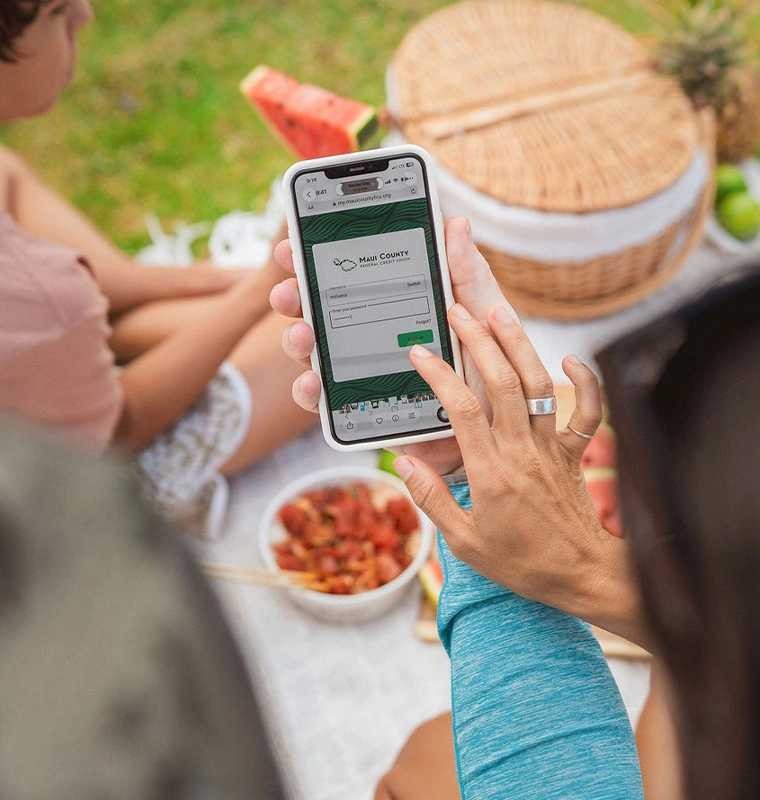
Money Management
You have all the power in the palm of your hand so you can manage your Maui County FCU accounts anytime, anywhere you want.
Even when you're offline you can quickly check balances, transfer funds, and hear recent transactions on your Maui County FCU accounts — anytime you need to.
Not sure where to start? Our short videos walk you through the ins-and-outs of our digital banking services, step by step.
Digital Banking FAQs
To enroll in digital banking use the "Enroll" link. You will need the Social Security number, Member number, email and phone number that we have on record to enroll.
Get it on Google Play and on the App Store
Yes, digital banking is generally secure when done through legitimate institutions and reasonable precautions. How to keep it secure on your end:
Use a unique, strong password (or a password manager) plus multi-factor authentication (MFA) whenever offered.
Only access banking through the official app or by typing the URL directly — not through links in emails/texts.
Avoid logging in over public/unsecured Wi-Fi; use your phone's data or a VPN if you must.
Enable transaction alerts so you notice unauthorized activity immediately.
Never share one-time passcodes with anyone — we will never ask for one.
Funds made through mobile check deposit will generally be available the first business day after receipt. However, the deposit may be delayed up to three (3) business days after receipt depending on the circumstances. Please refer to the MCFCU Funds Availability Policy Disclosure for more information.
We will accept original checks payable solely to you. You should not use MDC to deposit third-party checks, substitute checks, copies of checks, travelers checks, money orders, checks drawn on a foreign bank, post-dated checks, or checks older than 6 months old. For more information on ineligible check items please refer to the Mobile Deposit Capture Agreement.
Check deposit "acceptance" does not mean that the funds will be available to you. Check your account history and your account balance to confirm that the funds are available.
Mobile Deposits submitted prior to 3 p.m. Pacific Standard Time each business day , will generally be processed on the same day. Checks submitted after 3 p.m. PST, on weekends, or holidays will be processed on the next business day. A business day is considered every calendar day except Saturdays, Sundays, and federal holidays.
You can deposit a total of $5,000 on any single business day or a single deposit. For the purposes of these limits, Saturdays, Sundays, and federal holidays are considered part of the next business day.
If we are unable to process your deposit or a correction is required, we will send a message to you via digital banking. You can also view the status of your deposit "Deposit checks" in your main menu.
We require proper endorsement on the back of the check. You must sign your name and write 'For MCFCU Mobile Deposit Only' in the endorsement section.
From your dashboard select the account that you'd like to setup alerts or notifications for then select "Alert Preferences" where you can customize your balance and transaction alerts.
Your account could be locked because of too many login attempts, if the account is no longer in good standing, or if fraud is suspected. Please give us a call at 808-244-7968 or visit any of our branches so we can help you determine the exact reason.
Yes, you can add accounts from other financial institutions by going to the main menu and navigating to "Accounts", then the plus sign (+), and selecting "Make an external transfer".
You can reset you password by selecting the "Forgot password" option , or from the main menu, slecting your name, then "Settings" > "Security" > "Change password".
You can enroll in eStatements, eNotices, and eTax Forms by selecting "Documents" from your dashboard and selecting "Profile" from the menu.