
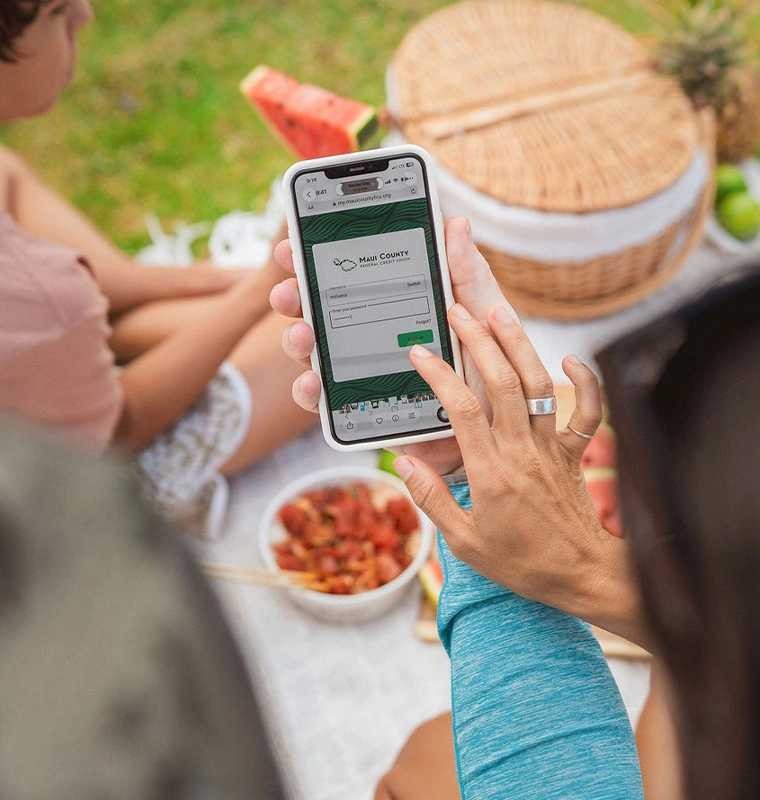
Pay bills and schedule payments
Digital Banking
Manage your money on your own time
Use our app to deposit checks
Set up payment due alerts
Automate recurring bill payments
Access statements, notices, and tax forms electronically
Open and manage share certificates
Download our mobile app
Pick the app download for your mobile device.
Banking that fits into your day, not around it
Between work, errands, and everything else, finding time to get to a branch isn't always easy. With Maui County FCU's digital banking, you can pay bills, view transactions in real-time, deposit checks with your phone's camera, open a share certificate, and check your credit score — whenever it works for you.
Our branches throughout Maui are always here when you want to talk to someone in person. But for the things you'd rather handle on your own time, digital banking has you covered.
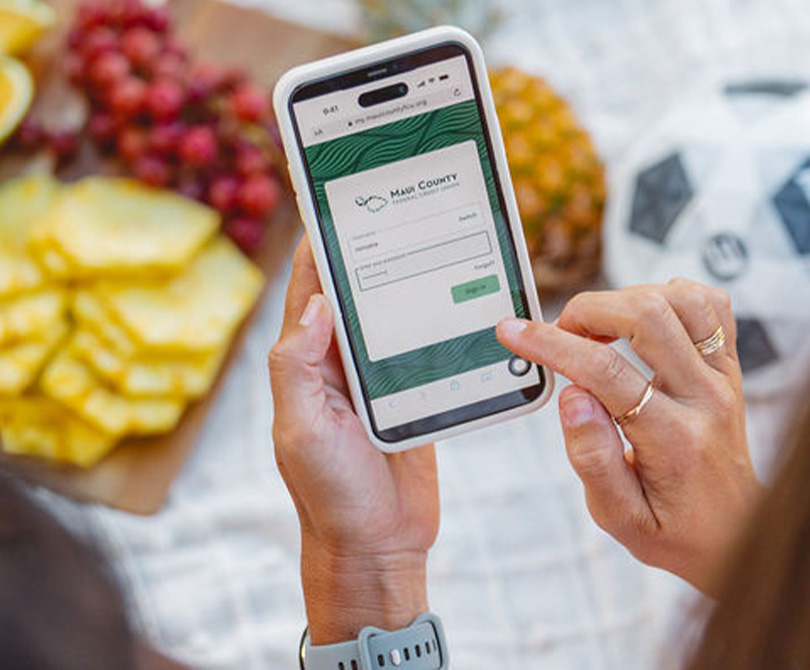
Electronic Bill Pay
Pay bills, loans, and other regular payments — and schedule them ahead of time so they arrive when they're due.
Manage Your Share Certificates
Our share certificates offer some of our highest dividend rates. You can open one, renew it, or manage it as it matures — all right from online banking.
Mobile Check Deposit
Deposit checks from wherever you are — no branch visit needed. Endorse the back of your check, snap a photo of the front and back in the app, and follow the prompts. Funds are typically available the next business day.
Mobile Wallet
Stop digging through your bag for your Maui County FCU debit card. Add it to your phone's mobile wallet (Apple Pay, Google Pay, or Samsung Pay), and you're ready to pay in stores and online. Every transaction is protected with encryption, so it's not just faster — it's more secure than swiping a physical card.
Debit Card Controls
Manage your debit card right from the app, so you're always in control:
Lock or unlock your card whenever you want, so it only works when you say so.
Report a lost or stolen card in the app, and we'll freeze your card right away to help prevent fraud.
Reorder a replacement card in just a few taps, so you're not stuck waiting.
eDocuments
Skip the paper. With eDocuments, your account statements, notices, and tax forms are all delivered electronically — easier to find, easier to search, and better for the environment. You'll get a notification as soon as a new document is ready, days sooner than it would arrive by mail, and everything stays protected.
Monitor Your Credit Score and Report
Your credit score affects more than you might expect — loans, credit cards, home rentals, even some job applications. Now you can check your score and full report for free and access savings offers and financial tips you can use right away.
We monitor your score daily and alert you to major changes, which can help you catch fraud early.
Reviewing your report makes it easier to spot errors that could be dragging your score down.
Learn what factors affect your score and what habits can help improve it.
Set financial goals and track your progress, wherever you are.
Receive Payment Alerts and Pay Recurring Bills Automatically
Set up a payment alert to know how much is due and when.
Automate fixed-amount bills, like a car loan or cell phone bill, so they're paid without you lifting a finger.
Need help getting started? Contact us — we're happy to walk you through it.
Digital Banking FAQs
To enroll in digital banking use the "Enroll" link. You will need the Social Security number, Member number, email and phone number that we have on record to enroll.
Get it on Google Play and on the App Store
Yes, digital banking is generally secure when done through legitimate institutions and reasonable precautions. How to keep it secure on your end:
Use a unique, strong password (or a password manager) plus multi-factor authentication (MFA) whenever offered.
Only access banking through the official app or by typing the URL directly — not through links in emails/texts.
Avoid logging in over public/unsecured Wi-Fi; use your phone's data or a VPN if you must.
Enable transaction alerts so you notice unauthorized activity immediately.
Never share one-time passcodes with anyone — we will never ask for one.
Funds made through mobile check deposit will generally be available the first business day after receipt. However, the deposit may be delayed up to three (3) business days after receipt depending on the circumstances. Please refer to the MCFCU Funds Availability Policy Disclosure for more information.
We will accept original checks payable solely to you. You should not use MDC to deposit third-party checks, substitute checks, copies of checks, travelers checks, money orders, checks drawn on a foreign bank, post-dated checks, or checks older than 6 months old. For more information on ineligible check items please refer to the Mobile Deposit Capture Agreement.
Check deposit "acceptance" does not mean that the funds will be available to you. Check your account history and your account balance to confirm that the funds are available.
Mobile Deposits submitted prior to 3 p.m. Pacific Standard Time each business day , will generally be processed on the same day. Checks submitted after 3 p.m. PST, on weekends, or holidays will be processed on the next business day. A business day is considered every calendar day except Saturdays, Sundays, and federal holidays.
You can deposit a total of $5,000 on any single business day or a single deposit. For the purposes of these limits, Saturdays, Sundays, and federal holidays are considered part of the next business day.
If we are unable to process your deposit or a correction is required, we will send a message to you via digital banking. You can also view the status of your deposit "Deposit checks" in your main menu.
We require proper endorsement on the back of the check. You must sign your name and write 'For MCFCU Mobile Deposit Only' in the endorsement section.
From your dashboard select the account that you'd like to setup alerts or notifications for then select "Alert Preferences" where you can customize your balance and transaction alerts.
Your account could be locked because of too many login attempts, if the account is no longer in good standing, or if fraud is suspected. Please give us a call at 808-244-7968 or visit any of our branches so we can help you determine the exact reason.
Yes, you can add accounts from other financial institutions by going to the main menu and navigating to "Accounts", then the plus sign (+), and selecting "Make an external transfer".
You can reset you password by selecting the "Forgot password" option , or from the main menu, slecting your name, then "Settings" > "Security" > "Change password".
You can enroll in eStatements, eNotices, and eTax Forms by selecting "Documents" from your dashboard and selecting "Profile" from the menu.
-
Insured by the National Credit Union Administration
-
Competitive interest rates

Share Certificates
Watch your money work for you
Lock in a competitive rate and watch your savings grow with confidence.
Get more done in less time with digital banking